A tiny chef. A dancer. An unexpected hero.
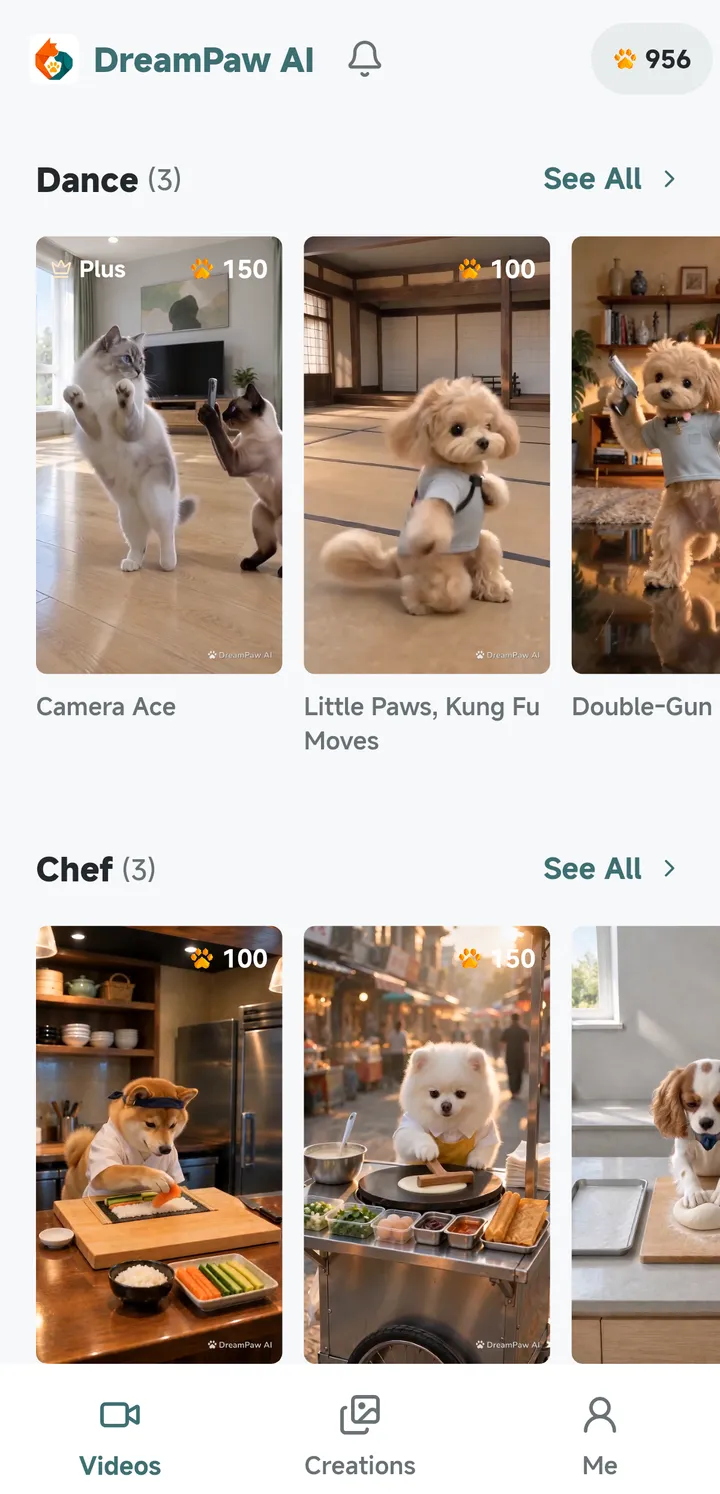
Watch your pet run a breakfast stall, bake bread, show off dance moves or become a tiny martial arts hero. Explore video templates that reveal a different side of their charm.
 Cat & Dog Photos Come to Life
Turn photos of your cat or dog into expressive AI pet videos with DreamPaw AI. From playful everyday moments to imaginative adventures, give your companion a starring role.
For iPhone, iPad and Android
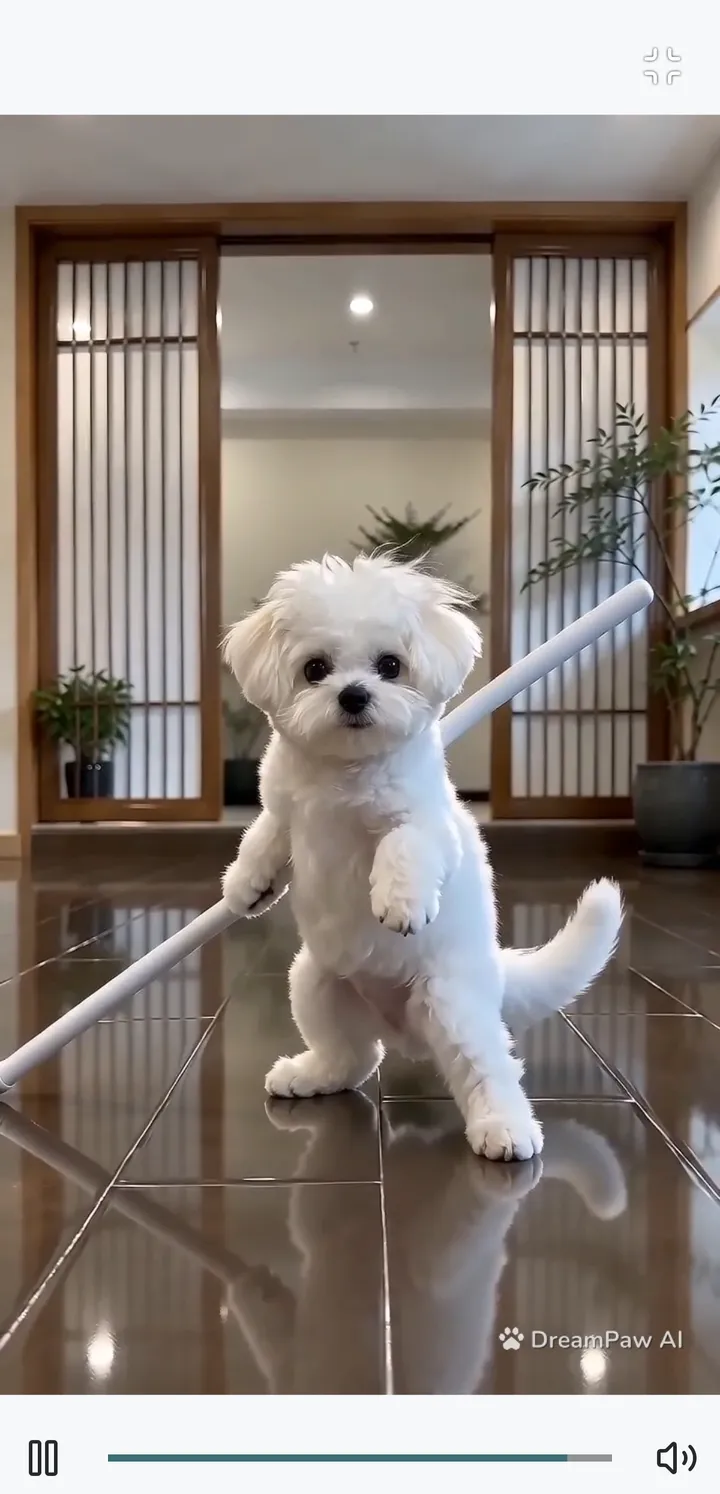
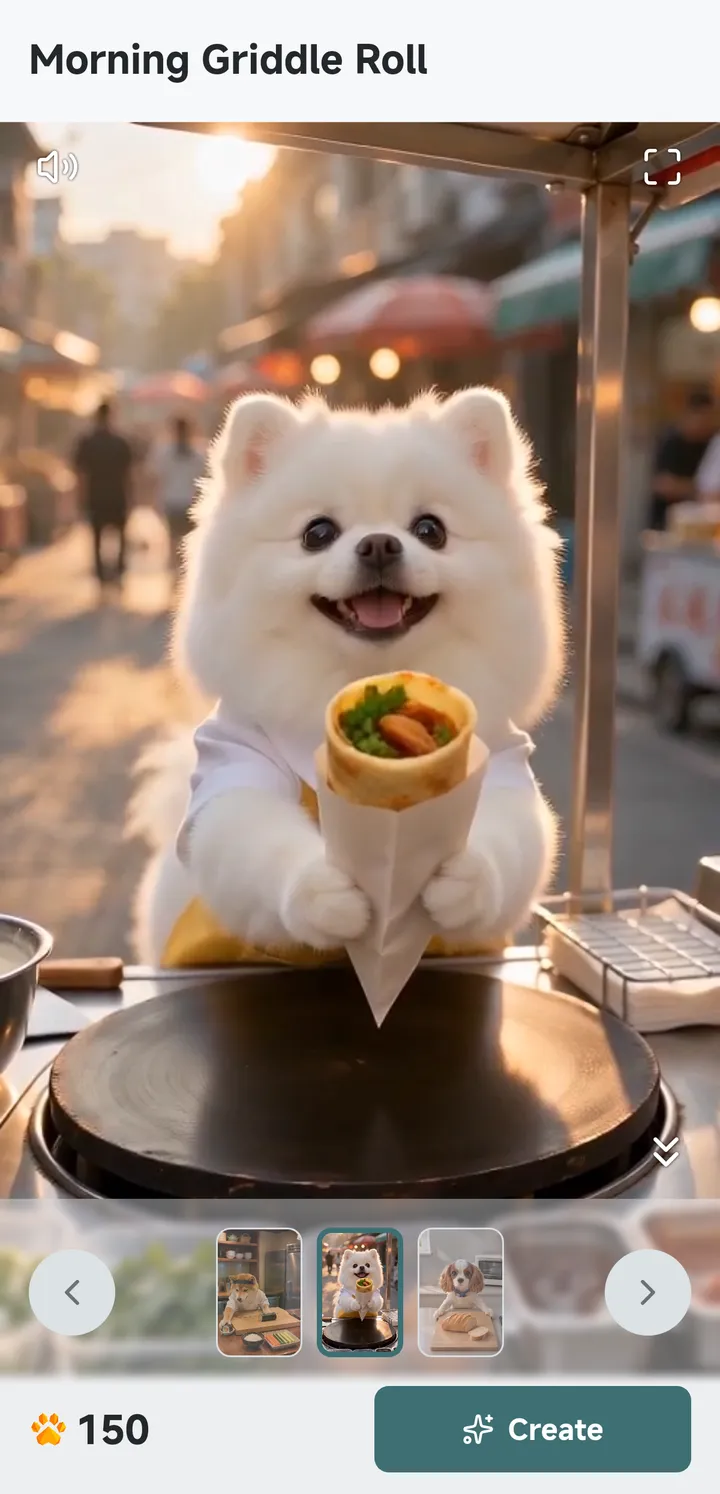
AI pet video maker: turn cat and dog photos into fun dance and cooking videos.
Video templates
Watch your pet run a breakfast stall, bake bread, show off dance moves or become a tiny martial arts hero. Explore video templates that reveal a different side of their charm.
From bumper cars to roller coaster rides, place your pet at the center of a playful new scene. Transform familiar photos into funny pet videos full of movement and imagination.
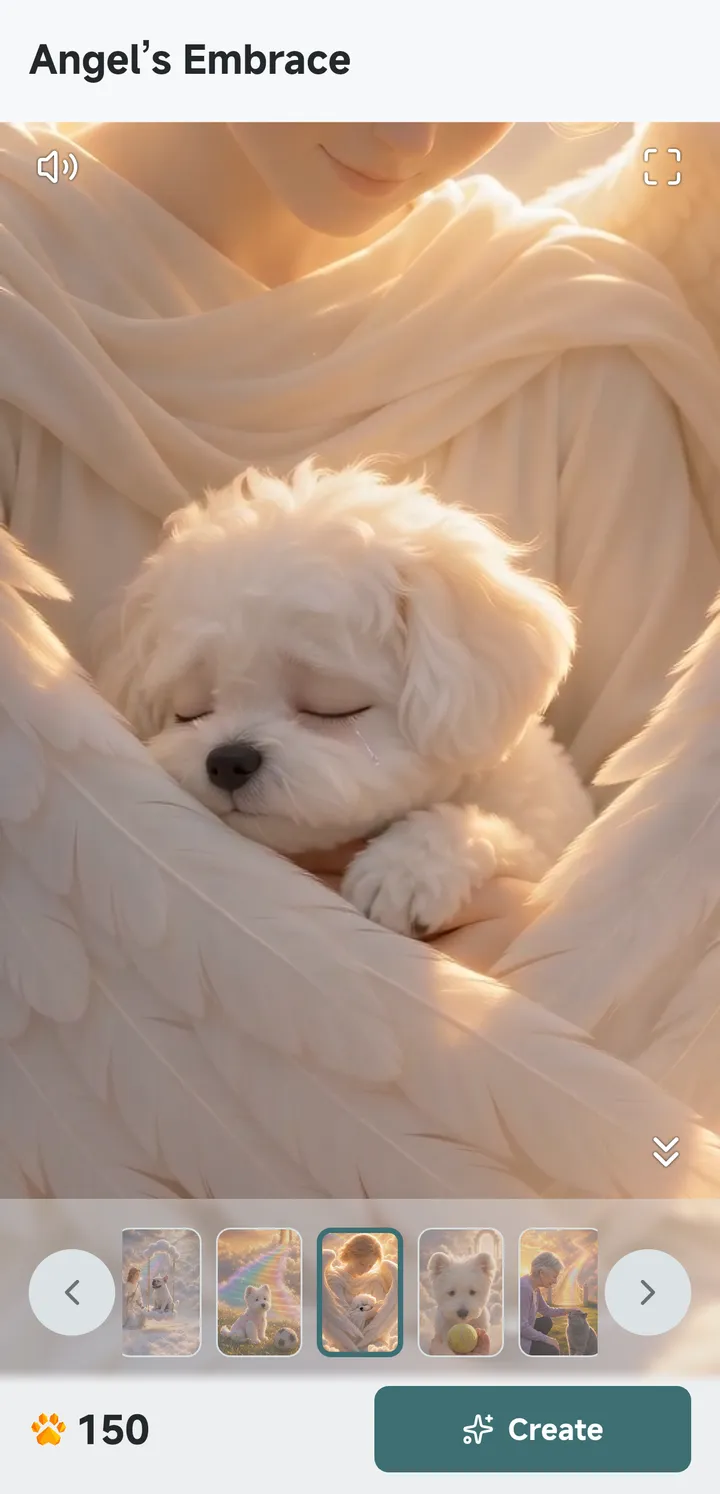
An angel's embrace. A farewell at the Rainbow Bridge. One more tender look. Create a pet memorial video that gives your memories and affection a heartfelt form.
Different stories. The same pet you love.
More ways to create
Combine multiple pets, reference images and text in Free Creation. Choose a video duration, describe your scene and use AI prompt optimization to refine your idea. Track review and generation in your task details.
Browse community videos and make your own version with the required pet, image and text inputs. You can submit an eligible original creation for review before it appears publicly. Report inappropriate public content or block its author from the detail page.
Set up each pet once. The same profile works in video templates, Free Creation and ideas from the Creative Square.
Every template shows its pawprint cost before you create. If a generation fails, the pawprints are returned in full.
The app and its video templates are available in 20 languages.
How it works
Create a profile with one front-facing photo and two full-body photos of your cat or dog.
Pick a video template, or describe your own scene in Free Creation.
The video is generated in the background and saved to Creations, where you can watch, save and share it.
Private by default
Pet photos and finished videos stay private to your account. A creation appears in the Creative Square only after you submit it and it passes review. Analytics and crash reporting stay off unless you allow them.
Quick answers
DreamPaw AI is a mobile app that turns photos of your cat or dog into short AI videos. Pick a video template such as dancing, cooking, amusement rides or a Rainbow Bridge memorial, or describe your own scene in Free Creation.
DreamPaw AI is made for cats and dogs. Each pet profile uses one front-facing photo and two full-body photos, and you can reuse it for every video.
Pawprints are the in-app credits used to create videos. Every template shows its pawprint cost before you create. Pawprint packs and the DreamPaw Plus membership are sold through the App Store and Google Play, which show the price at checkout. If a generation fails, the pawprints are returned in full.
No. Pet photos and finished videos are private to your account by default. A creation appears in the Creative Square only if you submit it and it passes review, and you can withdraw it later.
Yes. Signed-in users can permanently delete an account from the Me screen. Sessions and notification tokens are revoked immediately, and the same Apple or Google identity cannot register again.
DreamPaw AI is made for iPhone, iPad and Android. The download page shows whether the App Store and Google Play listings are live and links only to the official stores.
Make your pet the star. Create their first personalized video with DreamPaw AI.
Get the app